 Web RPN scientific emulator
Web RPN scientific emulator
Web RPN scientific emulator

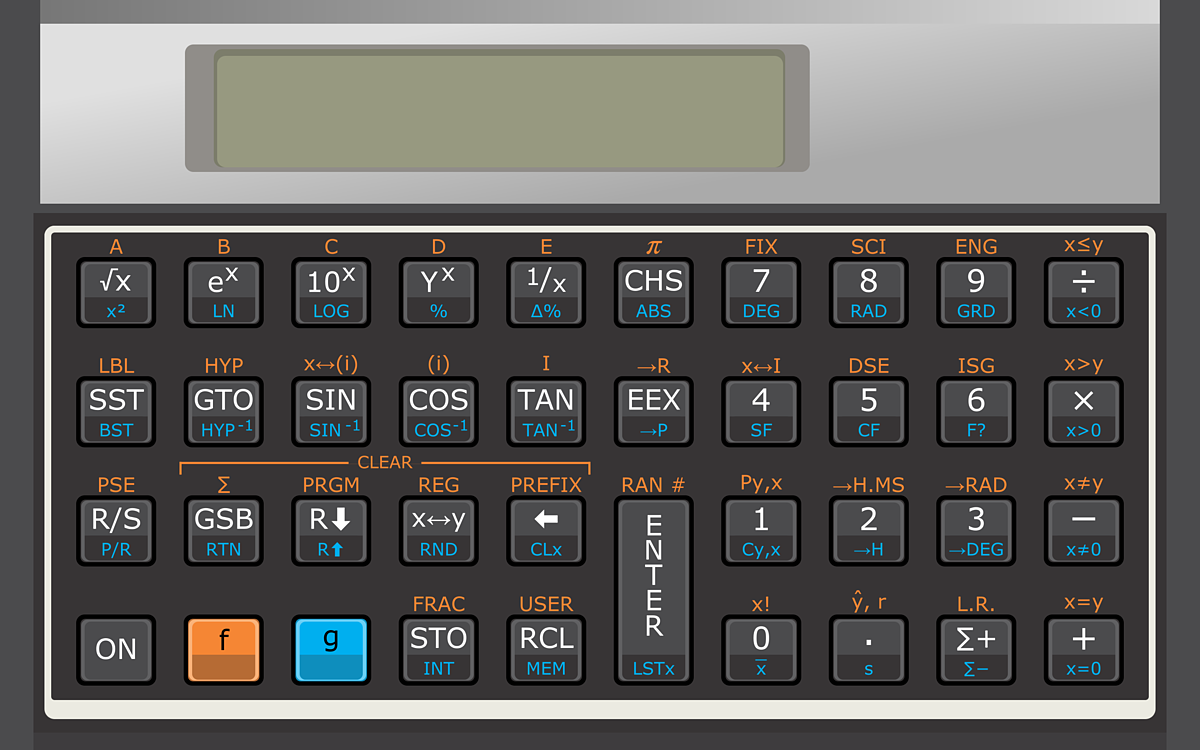


Copyright (c) 2007-2021 Elvis Pfützenreuter. All rights reserved. This emulator is supplied as is. Use it at your own risk! Always double-check important calculations by other means.
There are some key bindings that make the emulator easier to use in typical usage. Make sure the calculator is in focus (by clicking it) so it can receive the keystrokes.
In case you need help to use the advanced features of 11C-like calculators, take a look on this page, there is a quick reference guide in there.
If you prefer a simpler calculator (with the basic financial and arithmetic operations) or if you don't know the RPN notation, you can try this form-based calculator instead.
Also, try our versions for Android, iPhone and iPad.
All rights reserved. It is forbidden to copy this calculator to other sites. Write me if you have any doubts.